Contents
Acaia Pearl Review: Is It Worth the $150 Price Tag?
TL;DR: The Acaia Pearl is the best coffee scale for pour-over and espresso brewing at its price point. It pairs Bluetooth connectivity with a 0.1g resolution, a responsive flow-rate display, and a clean app ecosystem — making it the default recommendation for anyone serious about dialing in their brew. Beginners may find cheaper scales sufficient, but the Pearl’s precision and durability justify the cost for daily use.
What Is the Acaia Pearl?
The Acaia Pearl is a specialty-grade brewing scale with 0.1g accuracy, integrated flow-rate display, and a companion app that logs brew data. It’s designed specifically for coffee — not kitchen use — which shows in every detail from the water-resistant surface to the auto-tare function.
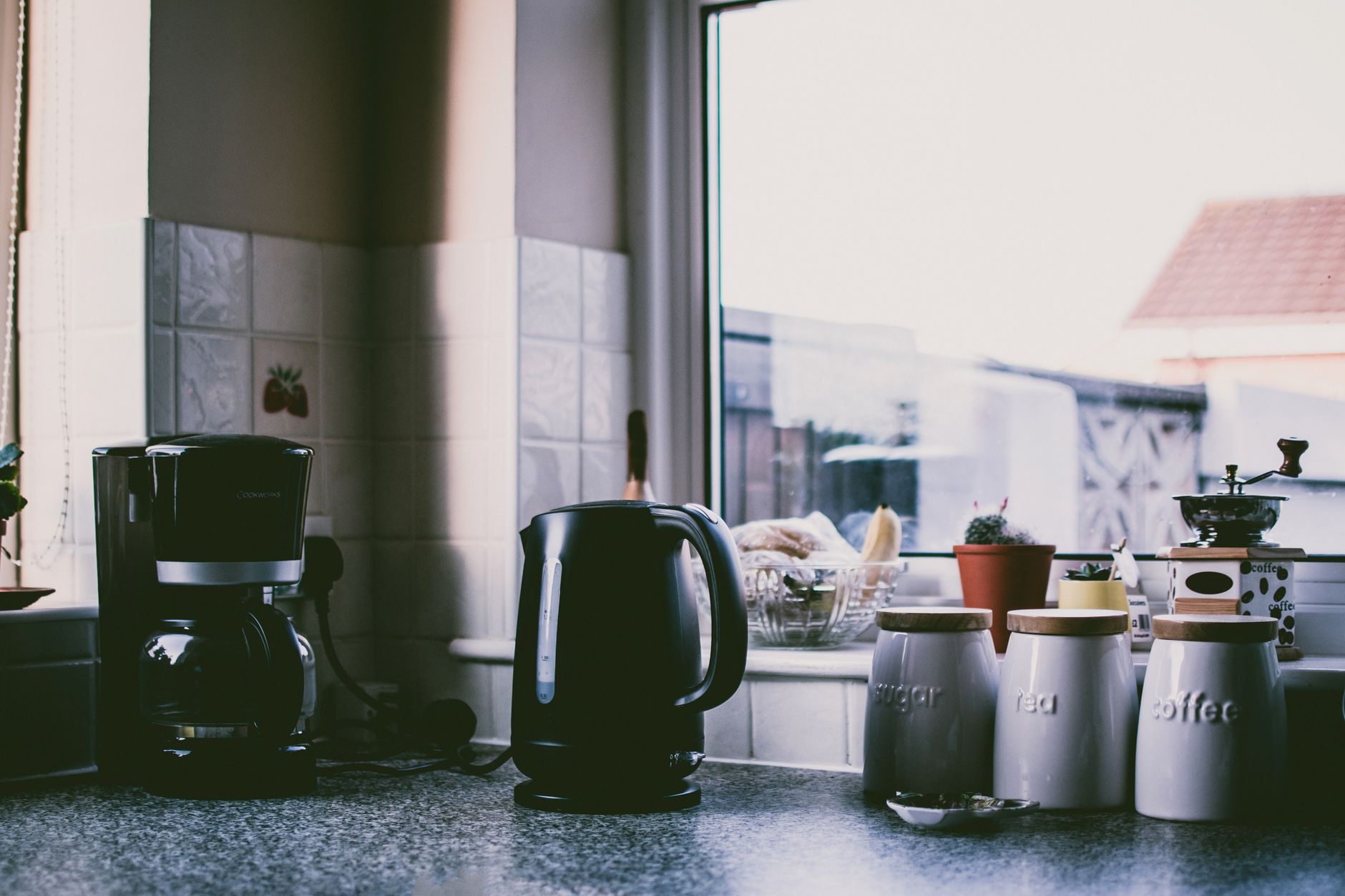
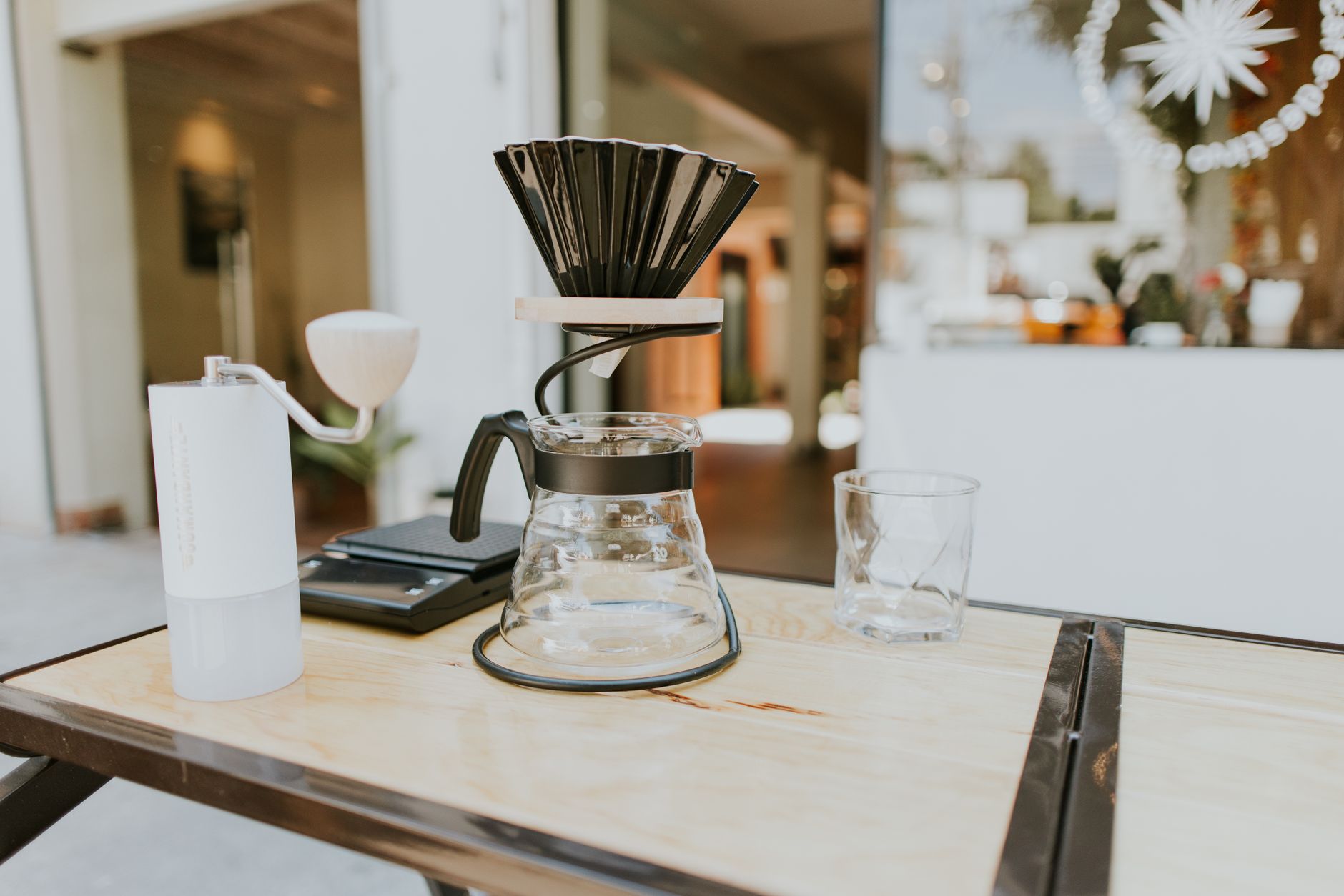 Photo: Amar Preciado via Pexels
The Pearl launched in 2014 and has been updated twice since, most recently as the Pearl 2021 model. Acaia built it for a specific user: someone brewing pour-over or espresso who wants to track dose, yield, and flow rate simultaneously without fiddling with a general-purpose kitchen scale.
At $150, it competes directly with a handful of coffee-specific scales and a much larger field of kitchen scales that happen to be used for coffee. Those aren’t the same category, and the Pearl is explicitly not trying to win on price.
Acaia Pearl Specs
| Spec | Value |
|---|---|
| Weighing resolution | 0.1g |
| Maximum capacity | 2000g |
| Response time | ~100ms |
| Connectivity | Bluetooth 4.0 |
| Power | Micro-USB (built-in battery) |
| Dimensions | 160 × 160 × 14mm |
| Weight | 280g |
| Water resistance | Splash-resistant surface |
| Display | LED, 4-digit |
| Auto-tare | Yes |
| Timer | Integrated |
How Accurate Is the Acaia Pearl?
Accuracy is 0.1g with a response time around 100ms — fast enough to catch real-time weight changes during a pour. Drift under load is minimal, and the auto-tare keeps up with small vessel swaps without manual reset.
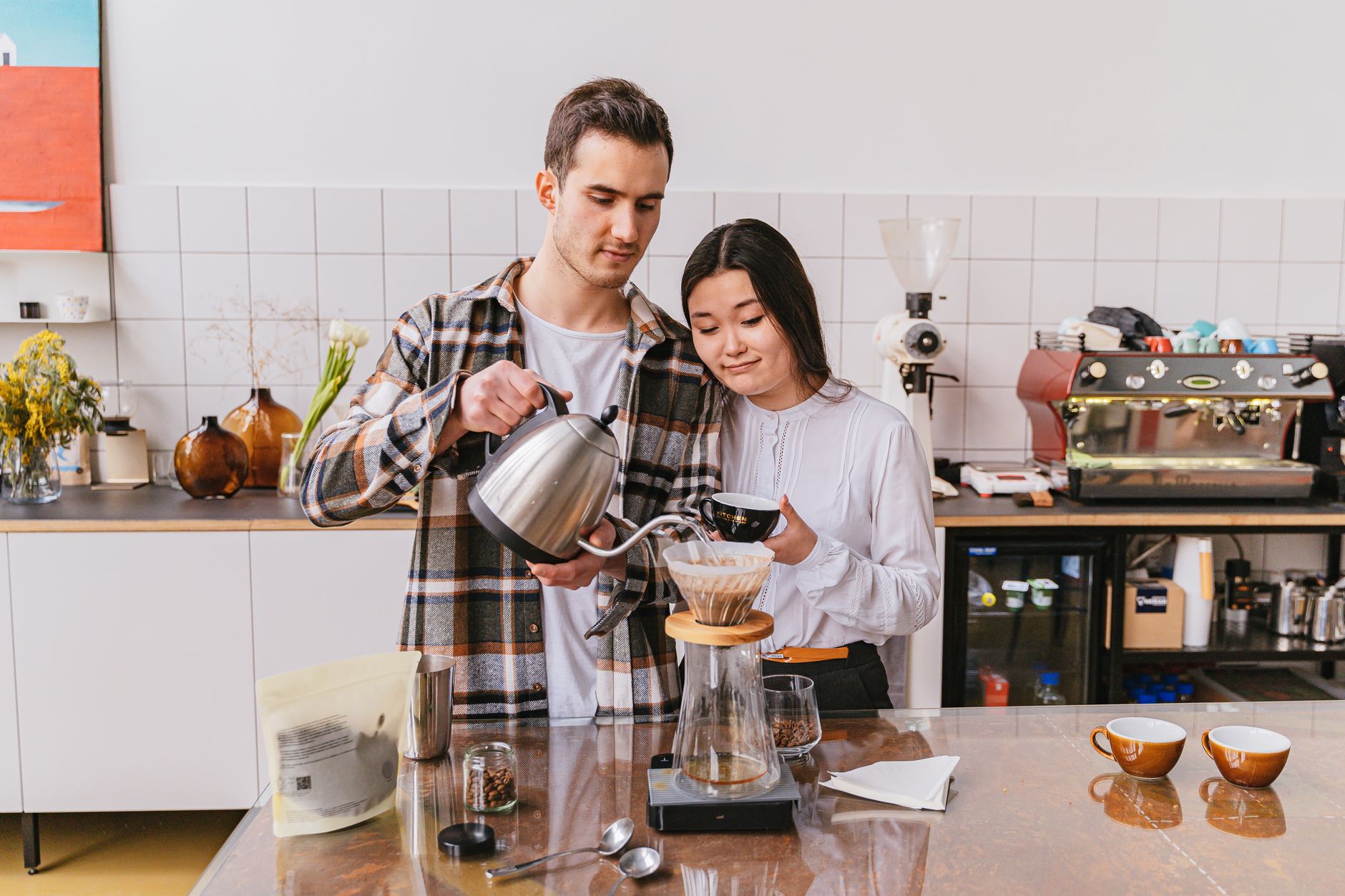 Photo: Adventure Studio via Pexels
Most kitchen scales at this price point read in 1g increments. That sounds like a minor difference until you’re trying to hit a 1:15 ratio on a 15g dose — a 1g error in the dose is a 6.7% swing. The Pearl’s 0.1g resolution removes that variable entirely.
The built-in flow-rate display (grams per second) is what separates the Pearl from most competitors. It updates live and gives you a visual cue to modulate your pour speed, which matters in bloom-sensitive brews like Kalita and V60.
Acaia Pearl vs. Competitors
| Scale | Price | Resolution | Flow Rate | Bluetooth | Timer | Best For |
|---|---|---|---|---|---|---|
| Acaia Pearl | $150 | 0.1g | Yes | Yes | Yes | Pour-over, espresso |
| Acaia Lunar | $225 | 0.1g | Yes | Yes | Yes | Espresso (drip-tray fit) |
| Timemore Black Mirror | $60 | 0.1g | Yes | No | Yes | Budget pour-over |
| Felicita Parallel | $110 | 0.1g | Yes | Yes | Yes | Mid-range alternative |
| Hario V60 Drip Scale | $45 | 0.1g | No | No | Yes | Entry-level |
| OXO Brew Scale | $50 | 1g | No | No | Yes | Casual home brewer |
The Timemore Black Mirror is the strongest value argument against the Pearl. At $60 it matches on resolution and adds a flow-rate display — the main gap is no Bluetooth and slightly slower response. If you don’t use the Acaia app and aren’t logging brews, the Timemore covers the technical ground for less than half the price.
The Lunar is a better scale than the Pearl in almost every measurable way, but it’s designed to sit on an espresso drip tray, and its smaller footprint is redundant for pour-over. If you brew both espresso and pour-over, the Pearl is the more versatile buy.
Acaia App: How Useful Is It?
The Acaia app logs brew weight, time, flow rate, and temperature (if paired with a smart kettle) and stores recipe histories. It’s genuinely useful for dialing in a new bean, less useful once you’ve nailed the recipe.
 Photo: Lukas Blazek via Pexels
Bluetooth pairing is reliable on iOS. Android historically had sync issues, which Acaia has improved in recent firmware updates but hasn’t fully eliminated. If you’re Android-primary, verify with the current firmware version before buying.
The app’s recipe library lets you build target curves — a trapezoidal pour profile, for example — and it’ll display where you are against the curve in real time. This is useful for learning, less so for experts who pour by feel. It’s also worth noting that the app is free and doesn’t require a subscription.
Build Quality and Daily Durability
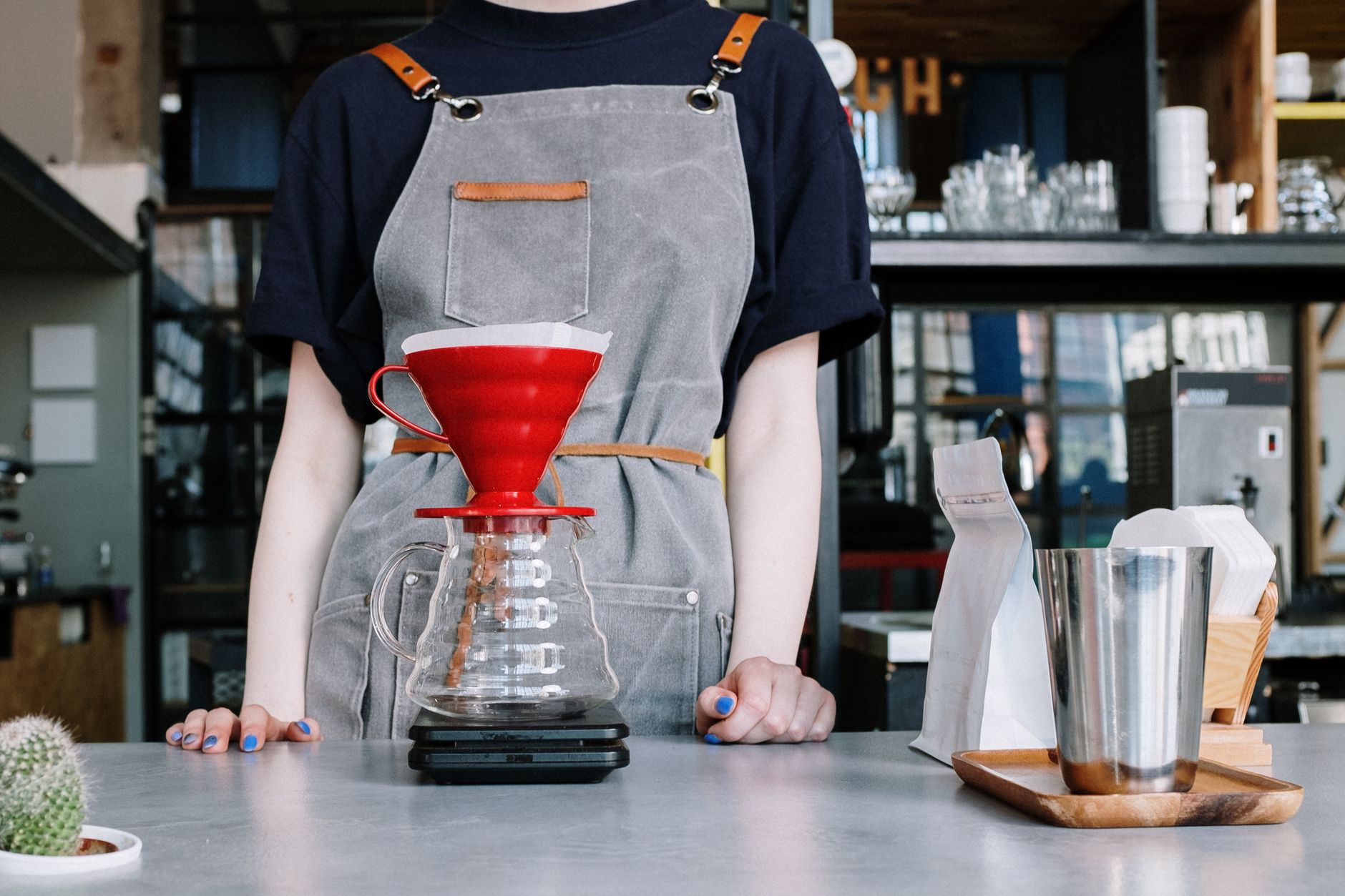
 Photo: Ron Lach via Pexels
The Pearl’s surface is high-grade silicone over an aluminum body. It handles spills without issue and wipes clean easily. The LED display is readable in daylight without adjusting brightness. Button feel is firm and deliberate — no accidental presses when reaching over it.
Battery life is around 10 hours of continuous use. A 2-hour USB charge restores it fully. The micro-USB port (not USB-C) is the only design choice that feels dated — a minor grievance on a $150 product.
The silicone mat that ships with it grips well on most surfaces and adds a layer of protection if you’re setting it down on an espresso drip tray or a wet counter. It’s not replaceable from Acaia directly, but third-party mats fit.
Who Should Buy the Acaia Pearl?
Pour-over brewers who dial in new beans regularly will get the most out of the Pearl. The flow-rate display and app logging are the two features that justify the price premium over a $60 alternative.
Worth It For:
- Daily pour-over brewers (V60, Chemex, Kalita, Origami)
- Anyone who logs recipes and wants to repeat or adjust them
- Baristas who want a home scale that matches their professional tools
- Espresso brewers who already have a drip tray and want a second scale for dosing
Probably Not Worth It For:
- Espresso brewers who want to weigh during the shot — get the Lunar instead, it fits on drip trays
- Casual brewers who make coffee once a day by feel — the Hario V60 Drip Scale is enough
- Anyone opposed to Bluetooth or app ecosystems — the Timemore matches the specs for less
→ See Also
- Best Coffee Accessories (2026 Complete Guide)
- Best Coffee Scales (2026 Reviewed)
- Best Gooseneck Kettles for Pour Over (2026)
FAQ
Is the Acaia Pearl worth it for espresso? The Pearl works for espresso dosing but its footprint is too large to sit on most drip trays during extraction. For weighing the shot in real time, the Acaia Lunar is the right tool — same resolution, built to fit. Use the Pearl for pre-dose weighing and a separate tray scale for shot yield.
Does the Acaia Pearl work without the app? Yes. The scale functions fully as a standalone unit — timer, auto-tare, flow rate display, and all four brewing modes work without Bluetooth active. The app adds logging and recipe curves, but it’s optional rather than required.
How does the Acaia Pearl compare to the Timemore Black Mirror? Both hit 0.1g resolution and both show flow rate. The Timemore is $90 cheaper, has no Bluetooth, and is slightly slower to respond. If you don’t use the app and aren’t paying attention to millisecond response differences, the Timemore is objectively better value. The Pearl earns its premium through the app ecosystem and marginally faster response.
What’s the difference between the Acaia Pearl and Pearl S? The Pearl S is a smaller, lighter version designed for travel and espresso bar setups. It has a 500g max capacity vs. 2000g on the standard Pearl, which makes it unsuitable for large batch brewing. The Pearl S is the right pick for espresso-only use where footprint matters; the standard Pearl is the better all-around choice.
Editorial methodology: Assessments are based on manufacturer specifications, published user reviews, and editorial research. Physical hands-on testing is noted explicitly where it occurred. Rankings reflect our editorial judgment and are not influenced by affiliate commission rates. Full editorial policy · Affiliate disclosure